
Make your Mac cursor your own.
Personalize your Mac with cute designs, character cursors, and animated pointers. Import your own Windows .cur and .ani files, preview the pack, and apply it across macOS.
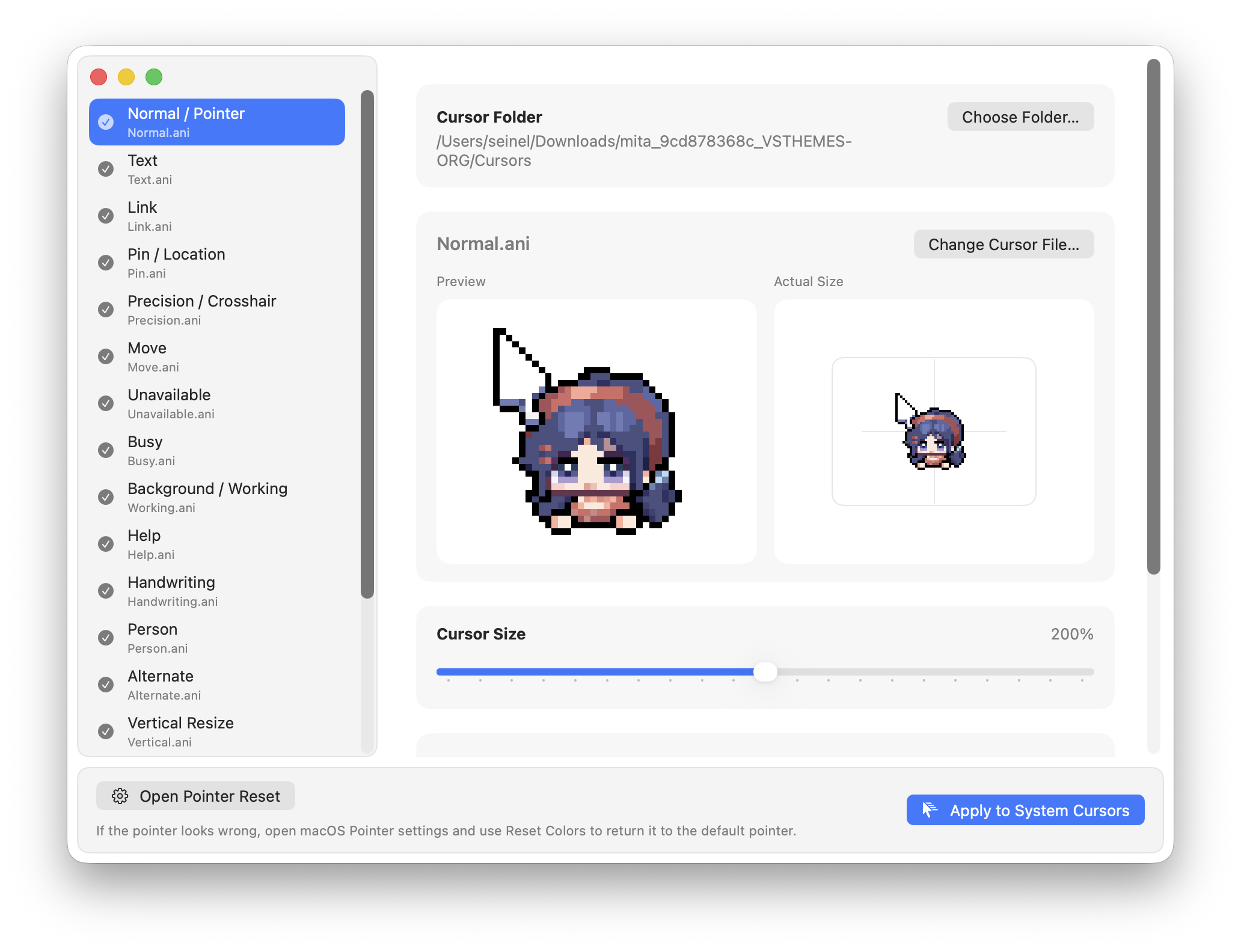
Import, preview, and apply.
Import a cursor pack
Drop in a whole folder, or select only the .cur and .ani files you want.
Match roles automatically
Names such as Normal, Text, and Link are matched to the arrow, text-selection, and link cursors.
Preview before applying
Check each cursor’s shape and animation first. You can replace any incorrectly matched file by hand.
Apply across your Mac
The cursor stays active after Cursie closes and is restored when you sign in after restarting your Mac.
Good to know before you start.
Can I use cute, character, or animated cursors on Mac?
Yes. Bring your own cursor designs as .cur files, or animated cursors as .ani files. Cursie lets you preview and apply them across macOS; cursor artwork is supplied by you.
Does Cursie need to stay open?
No. You can close it after applying a pack. When your Mac restarts, the last cursor is restored after you sign in.
Can I use Windows .cur and .ani files directly?
Yes. Import the files, review their cursor roles, and apply them to macOS. Animated .ani files can be previewed first.
How do I restore the default macOS pointer?
Open the macOS Pointer settings from Cursie, then click Reset Colors. Cursie disables automatic reapply first; macOS completes the final reset.
Do I need Terminal commands?
No. Importing, previewing, applying, and opening the macOS reset controls are all handled from the app.
What’s new in Cursie.
Clear apply confirmation
A checkmark now confirms when a cursor pack has finished applying. Click outside the confirmation to dismiss it.
More reliable cursor imports
Improved support for varied .cur and .ani files, filename matching, and turning off automatic reapply when restoring defaults.
Correct animation timing
Animated cursors now play using the timing stored in the original file.